

Storage keeps files such as avatars, documents, exports and attachments. Files live in buckets (folders with their own rules). Each file has a key, its path in the bucket, like 7/avatar.png. You set up buckets in Studio, and your app uses them through pawabase.storage (pb.storage in Python).

Where it is in Studio
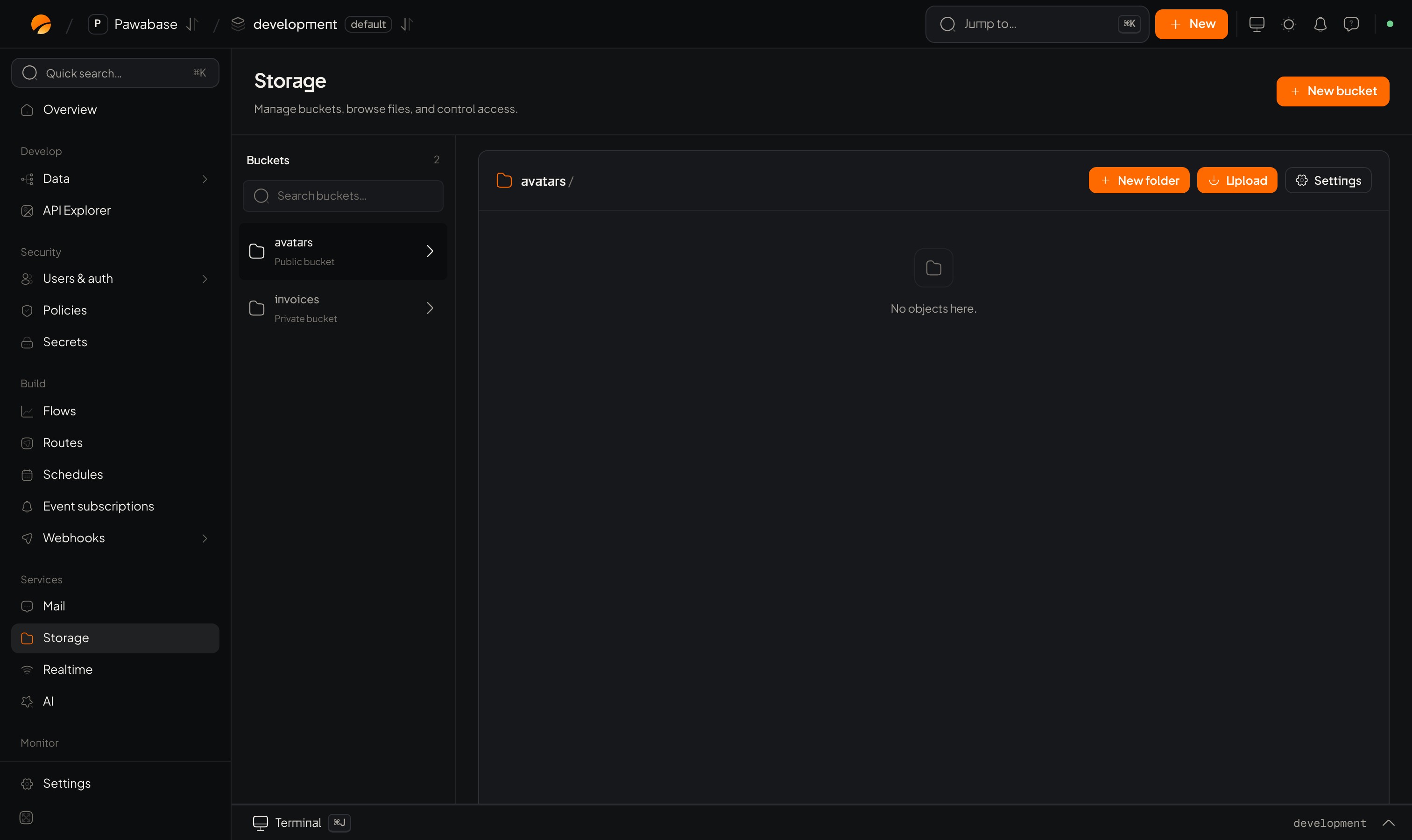
Studio Storage page

Services → Storage with no buckets yet.

Open your project, choose an environment, then Services → Storage. The page lists your buckets; choosing one opens a file browser with folders, uploads and a panel for each file.

Learn it in this order

1

Create a bucket and upload a file

2

Understand the settings

3

Use it from your app

A first taste

The ideas