

What you can build
How it fits together
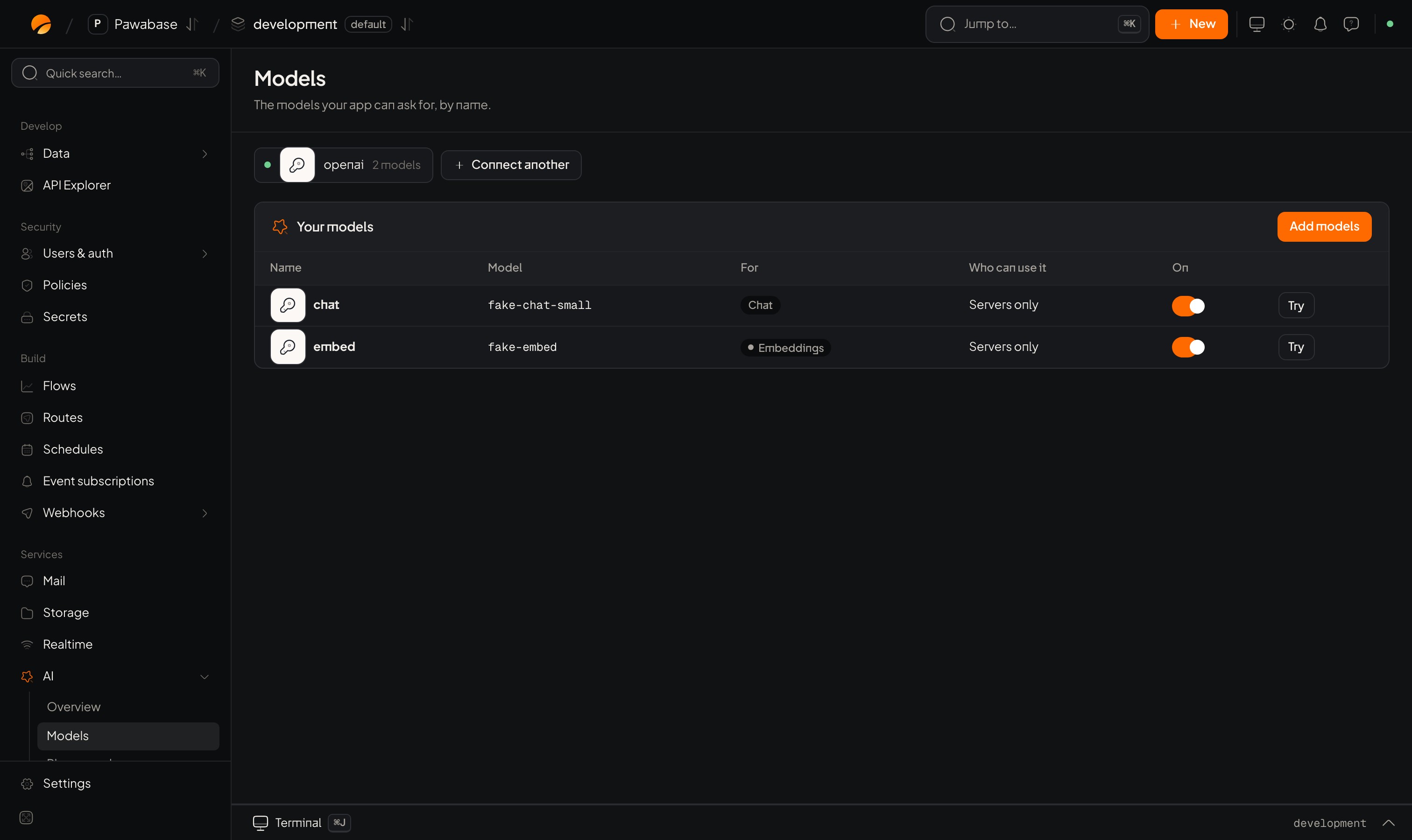
- Connect a provider (OpenAI, Anthropic, Google, Mistral, Groq, or your own server) in AI → Providers. Your key is stored on the server and never shown again.
- Add models with names your app uses, such as
chatandembed. You can change which real model sits behind a name later without touching your code. - Use them from your app, from flows, or through agents. Who can use each model, agent and knowledge base is an access rule you choose, the same way tables and files work.
AI → Providers: pick who runs your models.
What stays in your control
- Your provider keys never reach a browser or an app. Your app only ever holds a Pawabase key.
- Agents act as the person who asked. By default an agent can only read and change what that person could, so it can never show someone a row they could not open themselves.
- Changes wait for a person unless you say otherwise. An agent that wants to delete, update or send something stops and asks.
- Everything is on the record. Each model call and agent run keeps its tokens, time and cost, and each agent step is listed, so you can see what happened and why.
- Limits you set. Cap how many steps, how long and how much an agent may spend on one run.
A first model in two minutes
1
Connect a provider
Open AI → Providers, choose a provider and paste its API key.
2
Add a model
Open AI → Models → Add models, tick a chat model and give it the name
chat.3
Ask it from your server
Providers and models
Connect providers, name models, choose who may use them.
Agents
Assistants that use your tables, flows and apps.
Knowledge bases
Documents an agent can search and quote.
Patterns
Support assistant, document Q&A, semantic search and more.