

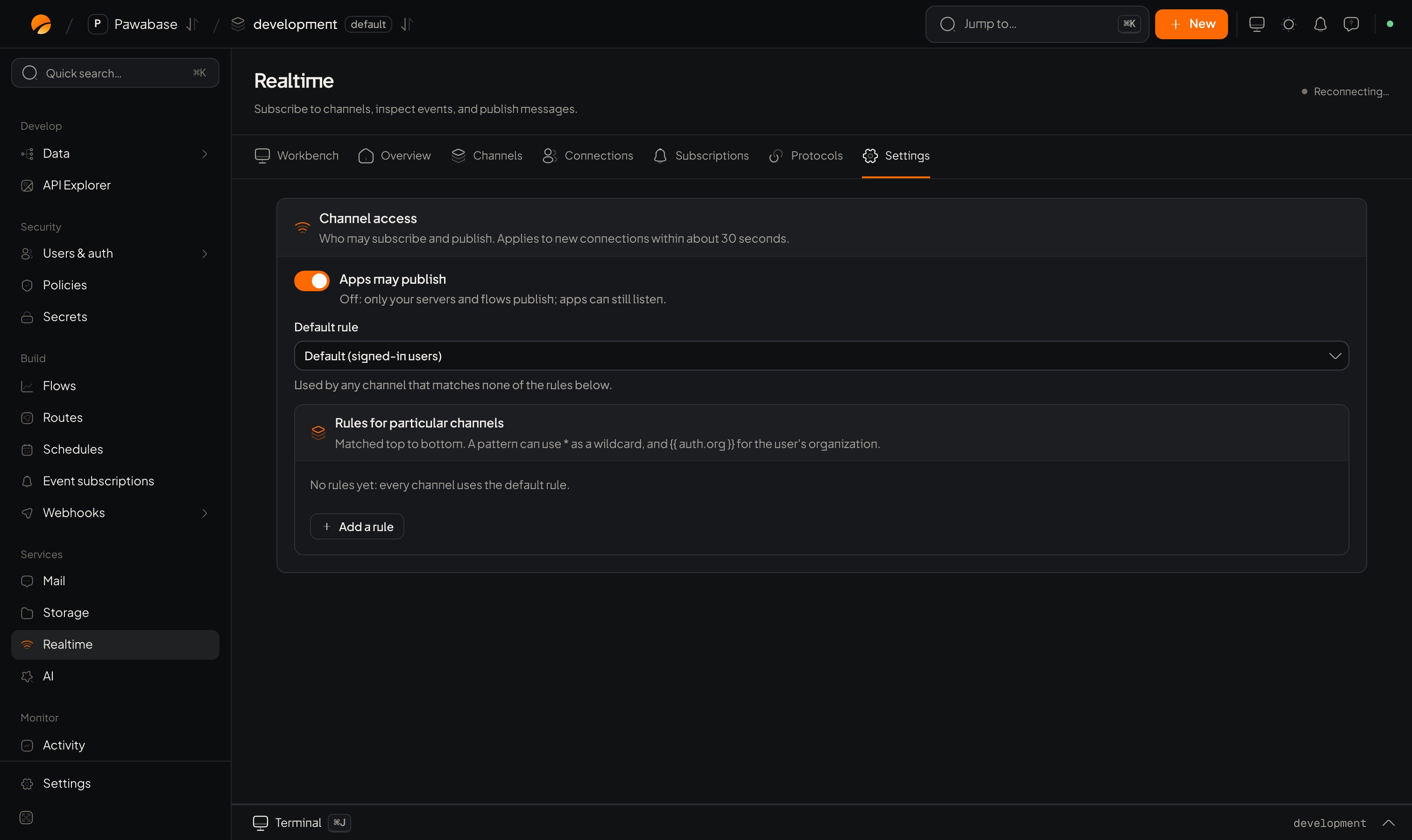
Realtime → Settings: Apps may publish, the default rule and rules for particular channels.
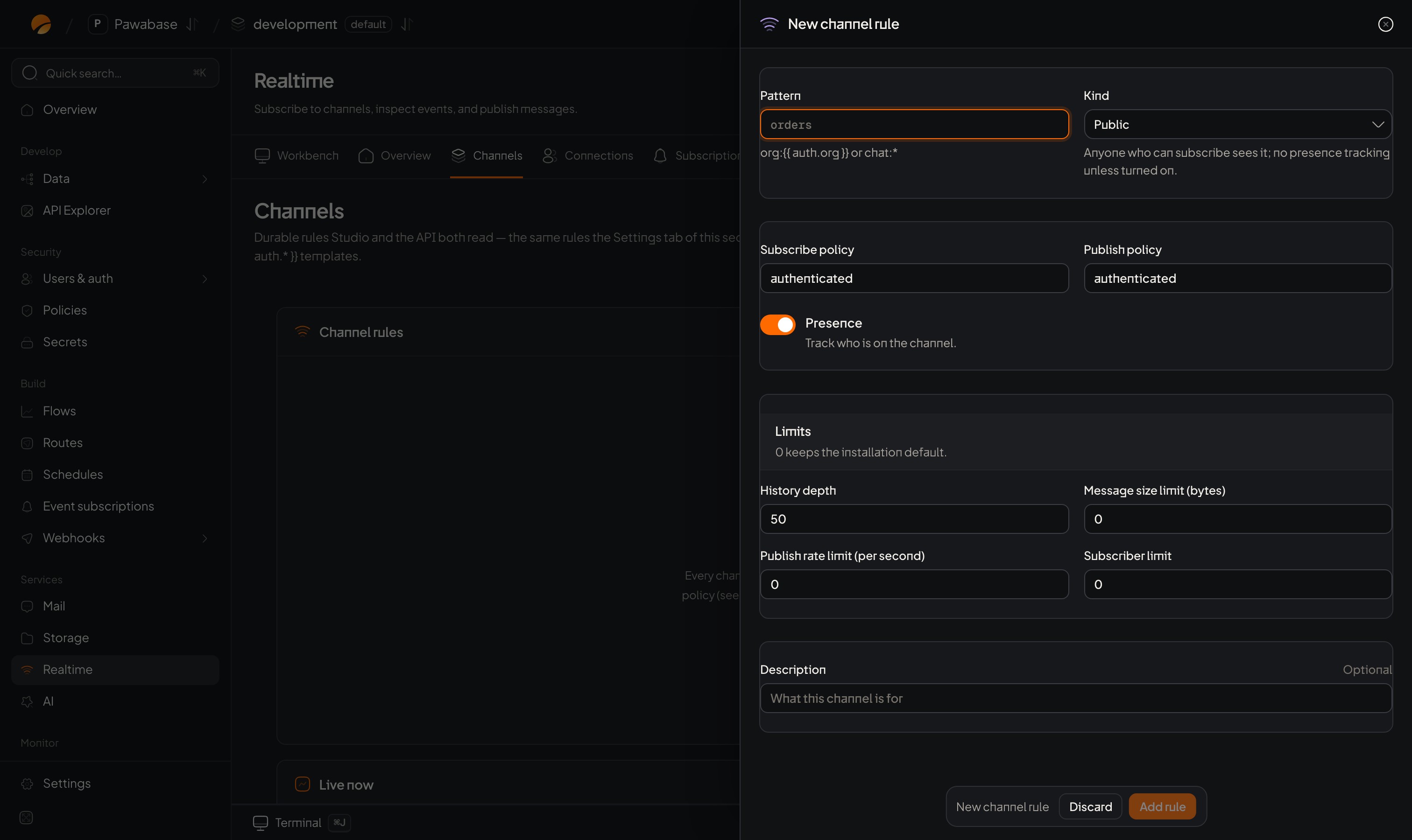
Realtime → Channels → New channel rule.
Where
Services → Realtime → Channels (under Configure). The page is titled Channel rules: Governs who can subscribe or publish, and whether messages are kept. With no rules it says No channel rules yet. Click Add rule.The fields
Kinds
Rules are matched top to bottom
Matched top to bottom. The first rule whose pattern fits the channel name applies. Put specific patterns above general ones (chat:staff-* above chat:*). A channel that matches no rule uses the default rule (below).
Examples
Because the placeholder
{{ auth.id }} is filled with the caller’s own id, a person can open only their own inbox. No code is needed to enforce it.
Settings page
Services → Realtime → Settings is a simpler view of the same idea. Who may subscribe and publish. Applies to new connections within about 30 seconds.
Use Settings for the defaults, and Channels when you need kinds, retention and limits.
When a rule takes effect
New rules and changes apply to new connections within about 30 seconds. A person already subscribed isn’t dropped; they hit the new rule on their next join.What your app sees
subscribe() or send() throws a RealtimeError when a rule refuses. Test with the Playground and by acting as a person who should be refused; find the decision in Activity.
Rules on realtime
Rule recipes.
Playground
Test a rule.