

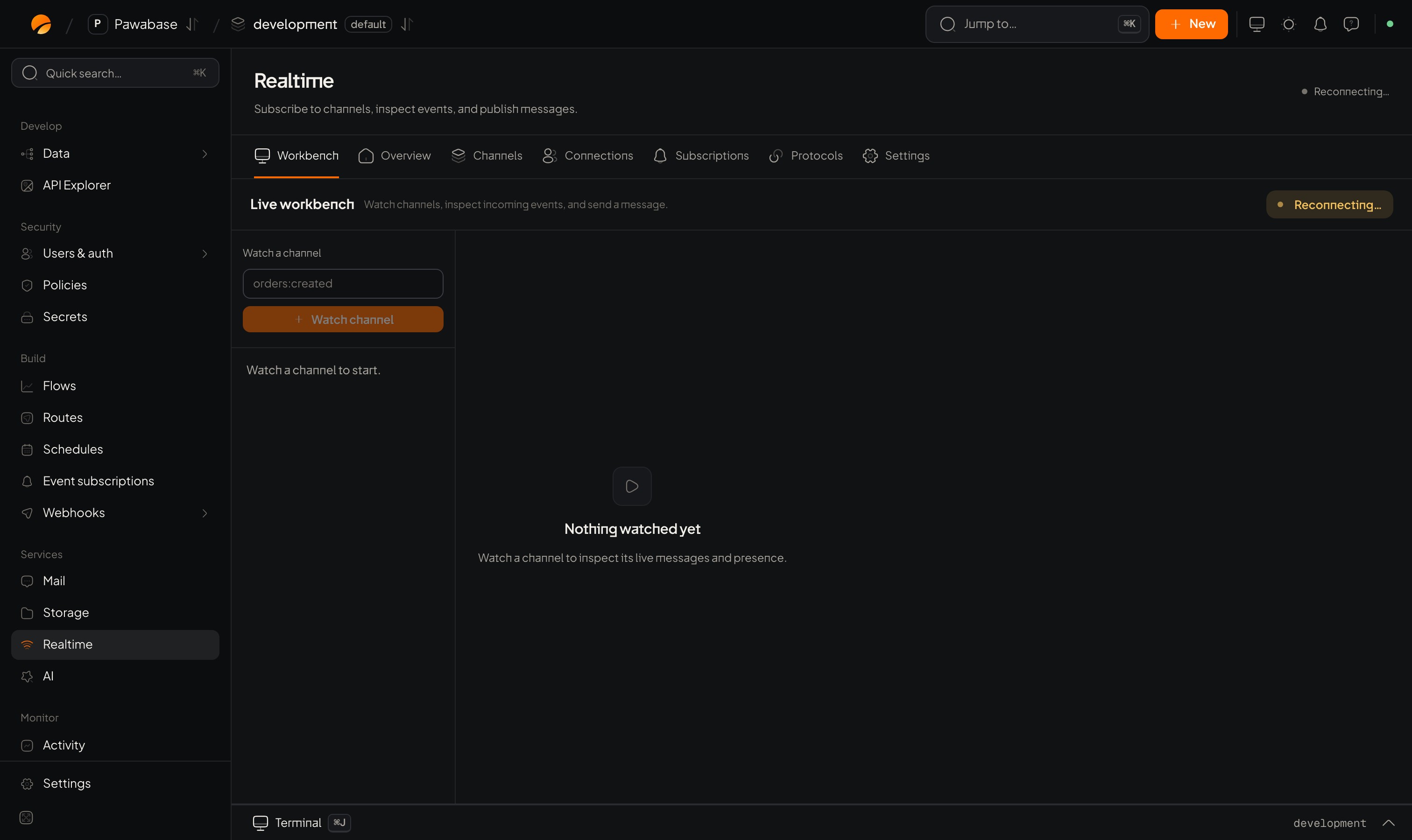
Realtime → Playground: Watch a channel.
Open it
Services → Realtime → Playground (under Tools).Watch a channel
Under Watch a channel, enter a channel name (for examplechat:lobby, orders:created) and join. Until you do it says Nothing watched yet. The live view shows:
Presence members (Present) appear and disappear as people join and leave.
Send a message
Enter an event name and a payload (JSON) and send. Everyone subscribed, in the Playground or in your app, receives it. Use it to simulate your server publishing: “send anexport.ready to user:42”.
Useful checks
Coming from other pages
Many Studio pages have a Watch link: from Channels and Subscriptions it opens the Playground on that channel.Limits
The Playground connects with Studio’s own authority, so it ignores your Subscribe and Publish policies. To prove a rule, test from your app signed in as the person it should affect.Channel rules
Test a rule.
Monitoring
The live overview.