

Overview
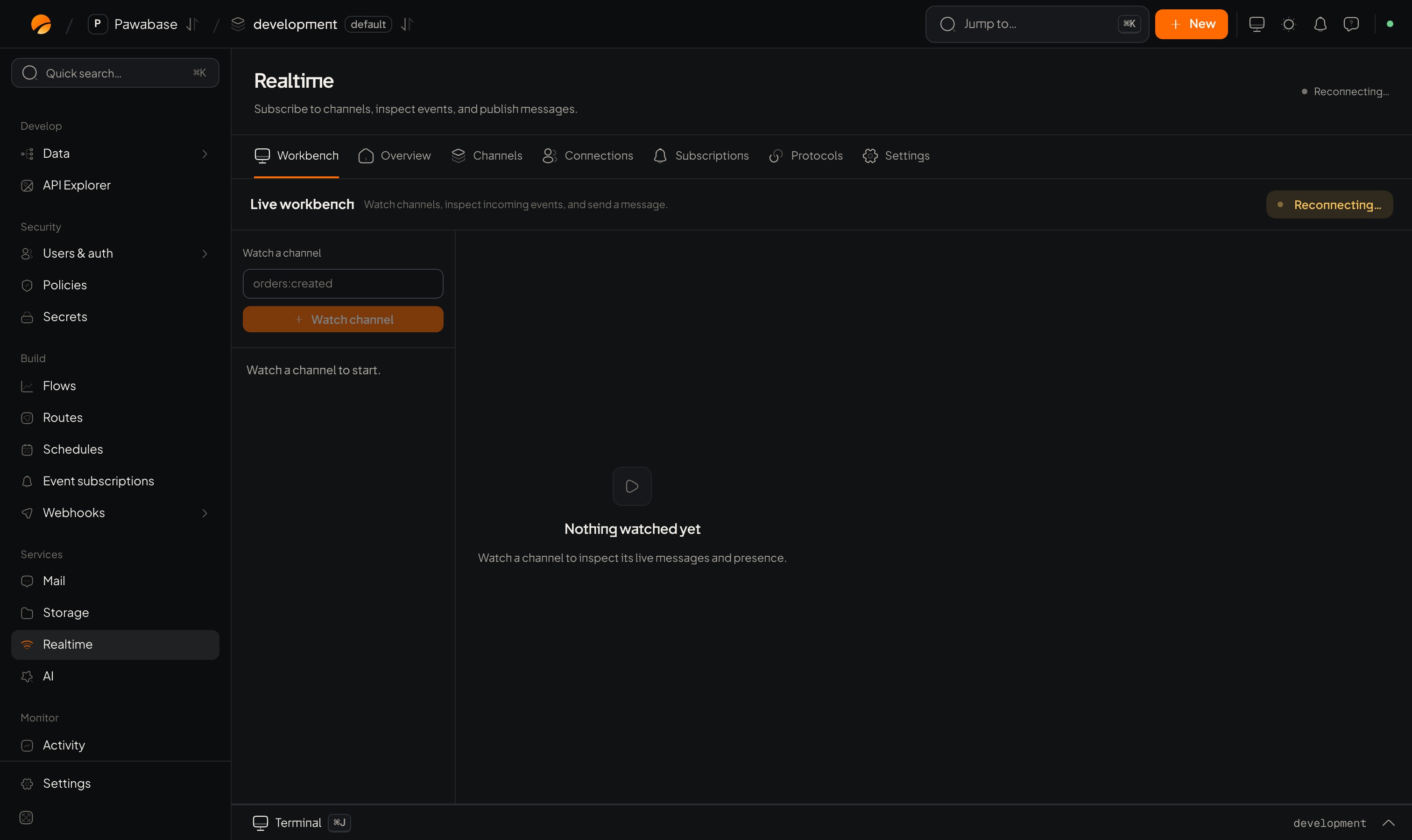
Services → Realtime → Overview.
Below, Active channels lists each channel with its Subscribers and a Watch action. If none: No active channels. Watch one by name above, or subscribe from a client.
What to look for:
- Dropped rising: slow consumers or a flapping network.
- Connections much higher than your user count: clients that don’t unsubscribe or reconnect in a loop.
- Published with no Delivered: nobody is listening, or a rule is refusing subscribers.
Connections
Services → Realtime → Connections. Every socket and SSE stream open to this environment right now. Columns: Connection, User, Protocol, Channels, Since. If nobody is connected it says Nobody is connected. Use it to answer “is my user connected?” and to spot a runaway client.Alerts
Don’t stare at charts. Set an alarm on the numbers that matter (connections, dropped messages) under Activity, so you’re told.From your app
Playground
Watch a channel by hand.
Troubleshooting
When numbers look wrong.