

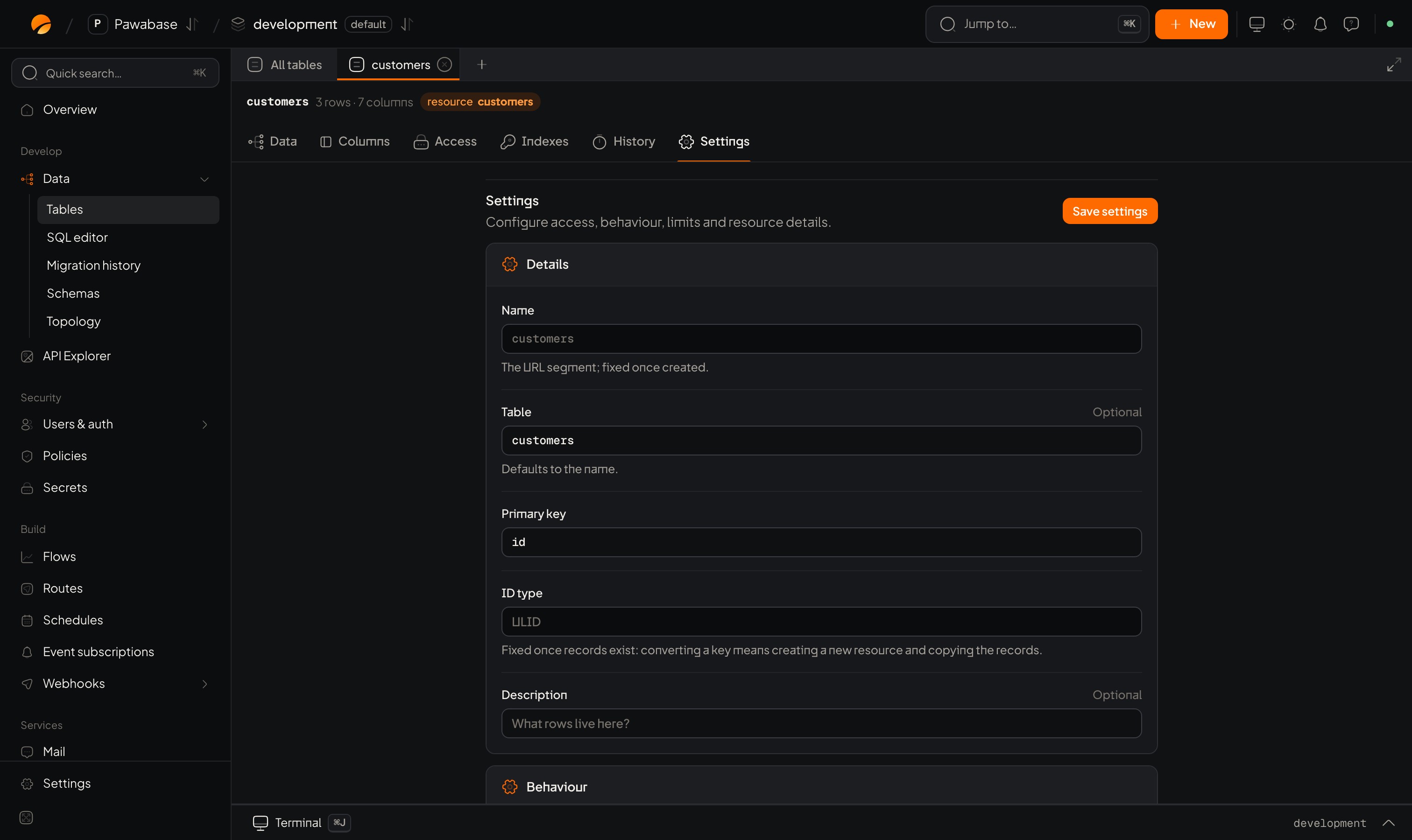
A table with no resource has only Delete table under Settings; define a resource to get the full settings.
Details
Behaviour
Details: Events and realtime, Caching and rate limits.
Relations
See Relations. Include related rows with?expand=name.
Columns, Access, Indexes
Their own tabs: Columns and types, Access, Indexes.Who may do what
The Access tab sets, for each of the five operations (list, get, create, update, delete), whether it’s served at all and which rule applies. A new table created in the definition has every operation off until you switch it on, so nothing is exposed by accident. The table editor in Studio switches them on for you with a sensible starting rule. See Access.
list also holds the table’s search fields: up to 10 text fields that ?q= searches. See Filter.
All of it as one definition
Everything on this page, plus columns, rules, relations and indexes, is one resource definition. You can read and write it with the management client or define it as code with infrastructure as code.Copy a definition between environments
A definition is plain JSON, so you can read it from one environment and create it in another with a secret key that can manage both:Tables and resources
Create and sync.
Access
The rules.