

/rest/v1. When you want to change how it looks without breaking the apps that use it, release a new version next to it. Both run at the same time over the same tables and data.
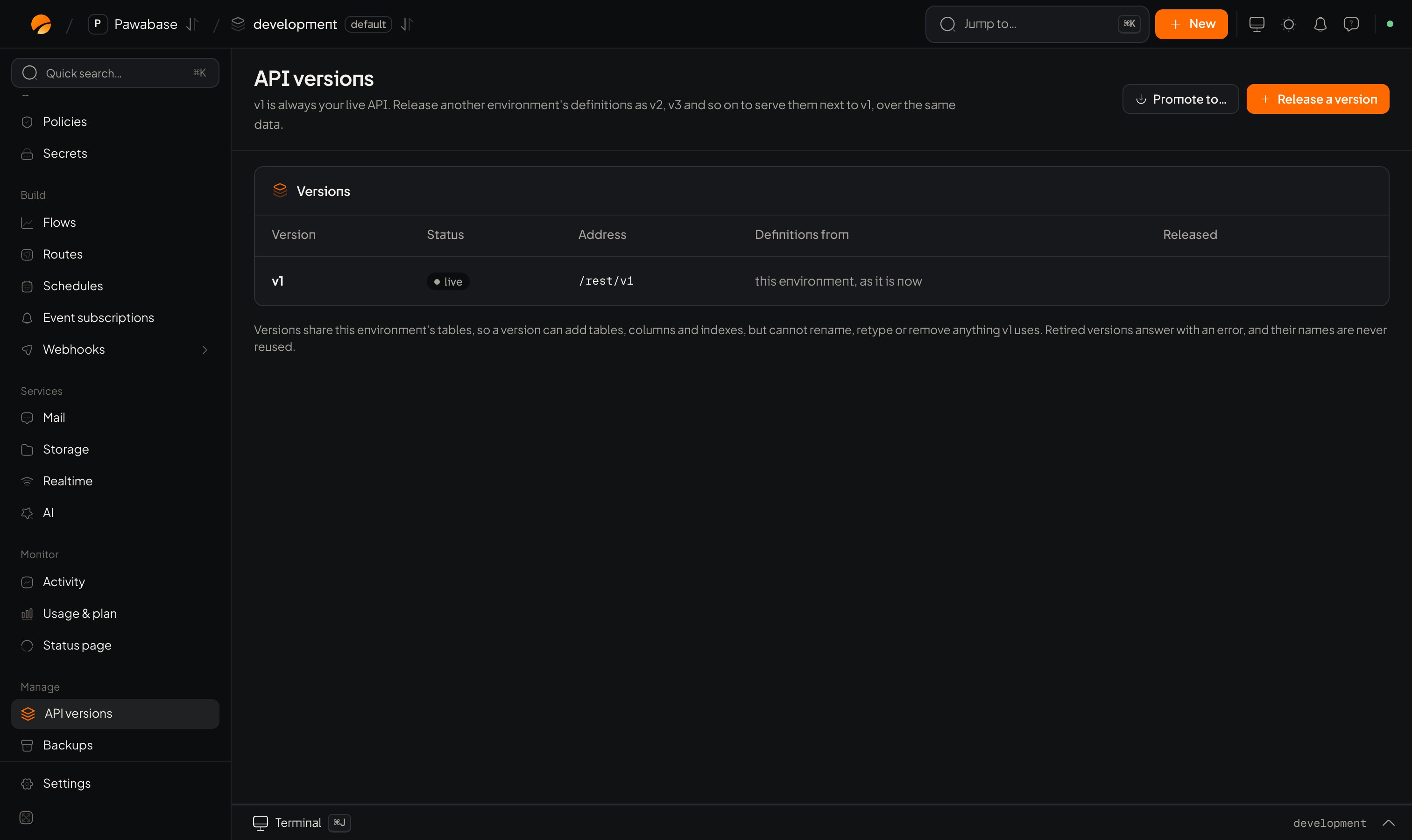
Project → API versions: v1 is always live.
Release a version
1
Build the changes in another environment
For example change a resource’s fields or routes in
development or staging.2
Open Project → API versions → Release a version
Choose a name (
v2, v3…) and the environment the definitions come from.3
Review what changes
Studio shows Resources added, Resources left out, Routes added and Routes left out, and any table additions that will be made.
4
Release
The new version is served at
/rest/v2 straight away, next to v1./rest/v1/... or /rest/v2/....
Rules for versions
- Versions share tables. A new version may add tables, columns and indexes, but it cannot rename, retype or remove anything a live version still uses. This keeps old apps safe.
- A version name is never reused, even after it is retired.
- v1 is always the live API. You can’t retire it.
Retire a version
When no app uses a version any more, Retire it. It stops being served, and calls to it get a clear error. Check Activity first to see whether anything still calls it.When to use it
- You must change a field’s shape for new apps while old apps still depend on it.
- You want to try a new design for your API against real data.