

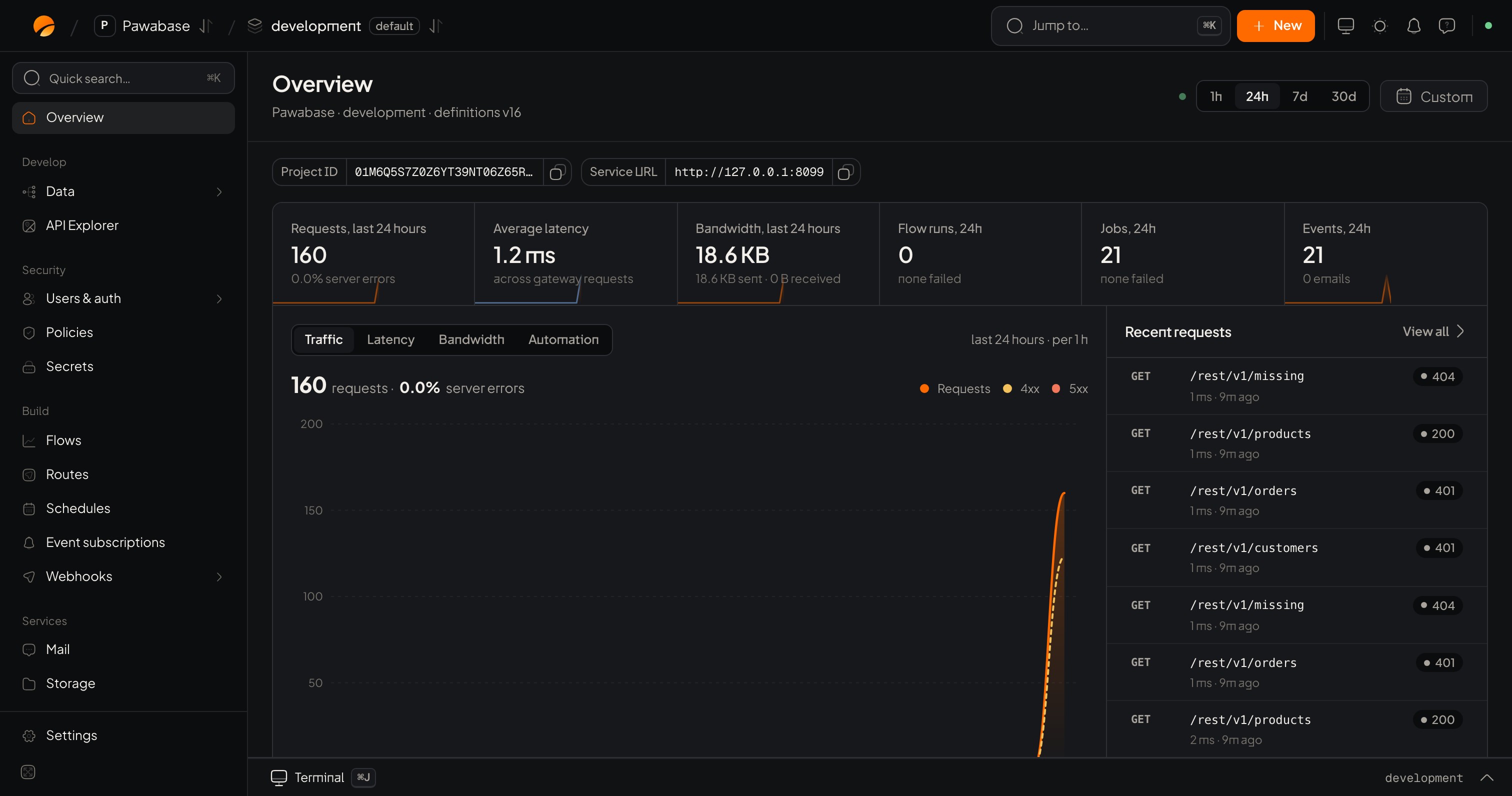
The Overview: traffic, latency, bandwidth, background work and recent requests for the environment.
Overview
A summary of the environment: requests, average speed, bandwidth, flow runs, jobs and events over the last day, with recent requests. It also shows your project id and API address.Develop
Security
Build
Services
Monitor
Manage
Handy things
- Jump to… (⌘K) finds any page, environment or action.
- New creates a table, flow, bucket, key or other thing from anywhere.
- Sheets: creating or editing something opens a side panel with a bar at the bottom that says what will change, with Discard and Save. Nothing changes until you save.
- Switch environment in the top bar. Notice the name: the same page in
productionchanges real data.