

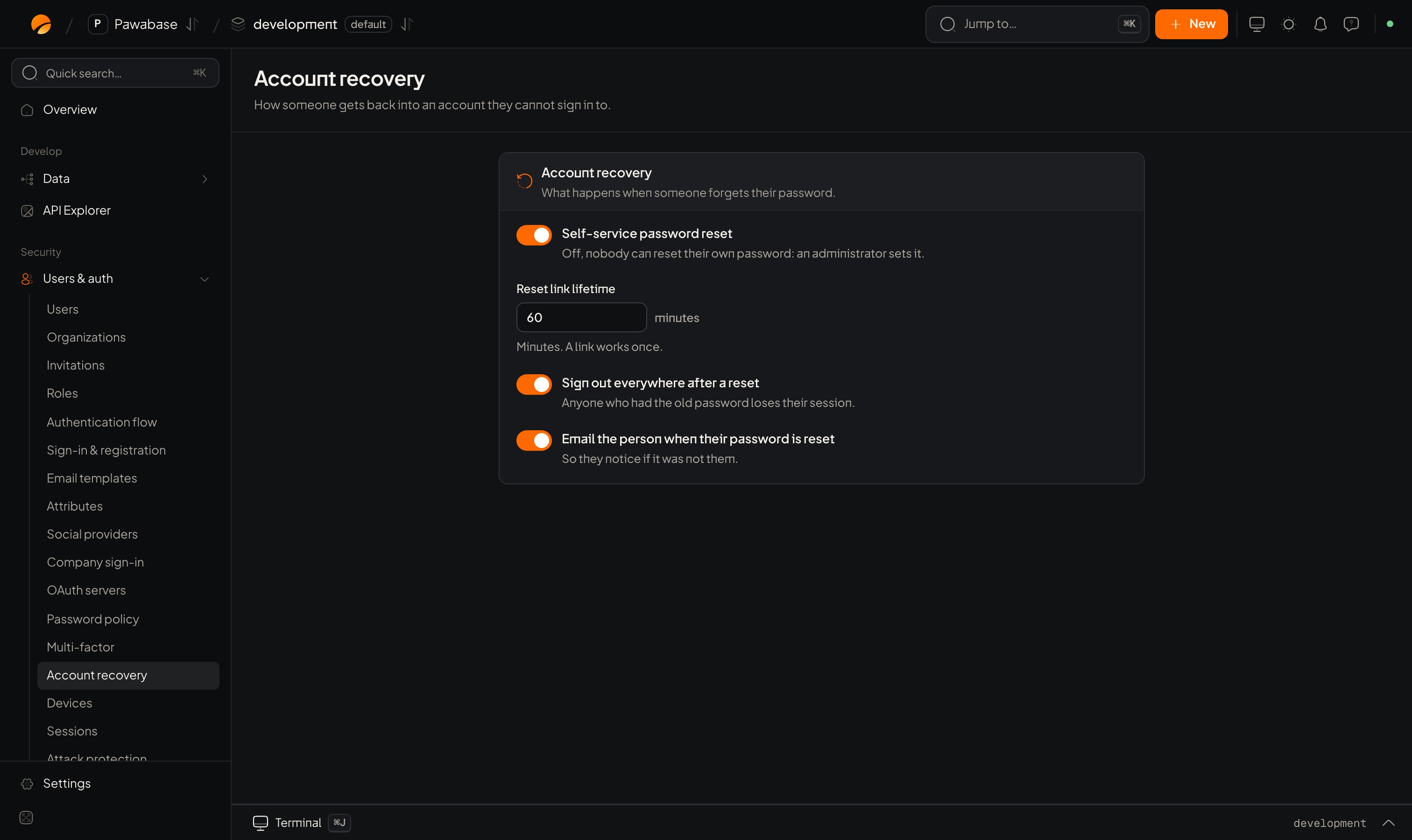
Users & auth → Account recovery.
In Studio
Users & auth → Security → Account recovery.
Change the wording under Email templates: Reset your password and Password changed.
The two-step client flow
- Request. On “Forgot password”, ask for the email.
- Reset. Pawabase mails a link to your
redirectTopage. That page reads the token and sets the new password.
requestPasswordReset always succeeds, whether or not the address has an account, so nobody can discover who has one. Your message should say “If an account exists, we sent a link.”
resetPassword returns a session, so the person is signed in. The new password must satisfy the password policy, and history rules apply: they can’t reuse a recent password if you’ve set Remember previous passwords.
The redirectTo page must be on your redirect list.
The landing page
Account locked out?
Several things can stop a sign-in; know which you’re looking at:Recovering as an administrator
With self-service reset off, or for someone who can’t reach their email, set a password from Studio (Users → open the person → Password) or from a server with a secret key:unlock also clears a lockout from too many failed sign-ins. Then tell them through a different channel, and ask them to change it at once.
Events
user.password_reset fires when a recovery link is used, and user.password_changed when a signed-in person changes theirs. See Auth webhooks.
Password policy
Rules for the new password.
Email verification
Confirming an address.