

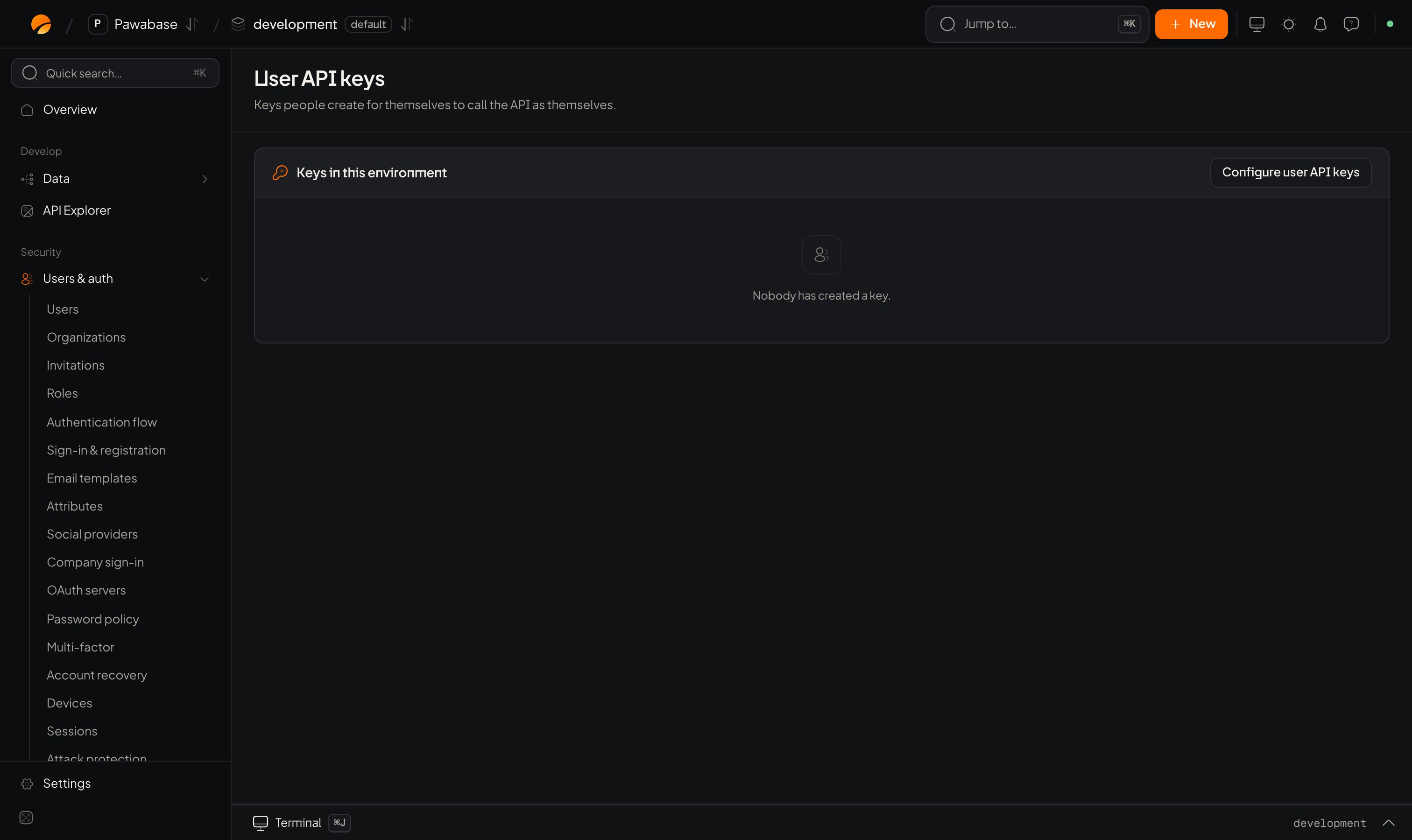
Users & auth → User API keys.
In Studio
Users & auth → Developers → User API keys. A Keys in this environment table lists every key (owner, name, scopes, last used) with a revoke action. User API key configuration:In your app
Account page
Build a “Developer settings” page:- List keys with name, scopes, created and last used.
- A Create key form. After creating, show the secret once, with a copy button and “you won’t see this again”.
- A Revoke button per key.
Using a key
The key goes where a user token would, as the bearer credential for calls made as that person. Rules and permissions apply exactly as for the person, limited by the key’s scopes.Admin controls
From a server:a.users.apiKeys(userId) lists a person’s keys; a.apiKeys.list() lists all; a.apiKeys.revoke(id) revokes. The events user.api_key_created and user.api_key_revoked are available to webhooks.
Good practice
- Default to scoped keys with short lives (30 to 90 days).
- Alert on keys unused for months; revoke them.
- Remind people that a key is a password: don’t commit it.
Keys and security
The project’s own keys.
Roles
What scopes limit.