

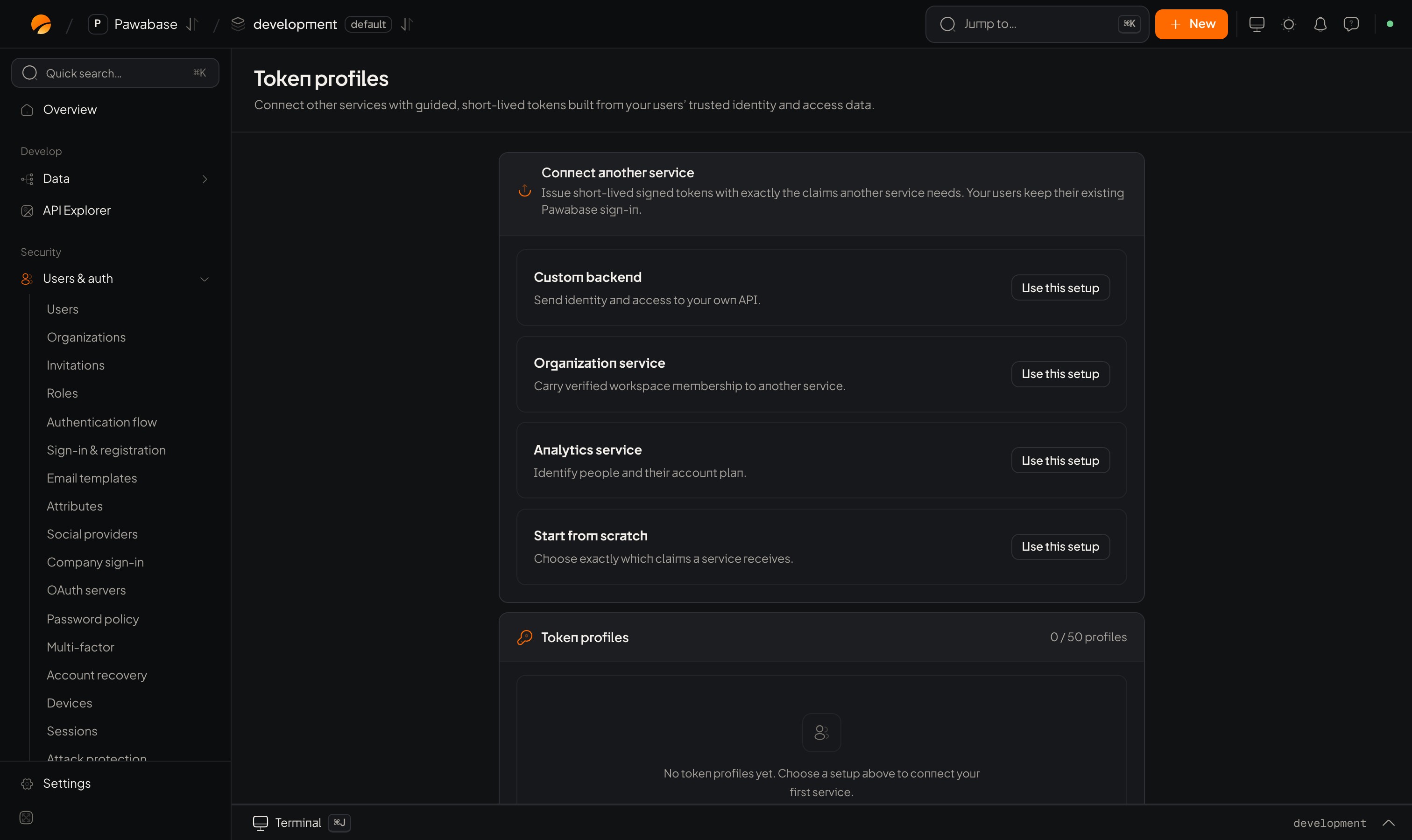
Users & auth → Token profiles: start from a setup.
In Studio
Users & auth → Developers → Token profiles. Connect another service opens the editor. Choose the identity and access information your service receives. No token syntax required.The profile
Claims
A claim is one fact in the token. For each, you set:Preview
Before you save, use Find a test user and Preview as (with an Organization context) to see the Resolved payload: exactly the claims that person’s token would carry. Use it to prove a claim is right and that private data isn’t leaking.Use in your app and verify in your service
The editor shows ready-made code for both halves. Verify in your service: tokens are signed with Ed25519 (EdDSA). The receiving service must check the signature, issuer, audience and expiry, using the public verification keys (JWKS) shown on the page.In your app: request a token
In your service: verify
Fetch the public keys once (cache them) and verify each token:pawabase.auth.jwks(). Always check the audience: it stops a token meant for one service being accepted by another.
Design guidance
- One profile per consuming service, with the smallest set of claims.
- Short lifetimes (minutes), and request on demand.
- Put authorisation facts in Admin data fields, never in user-editable metadata.
- Require an organization or two-step for profiles that expose sensitive data.
Sessions
The user’s own tokens.
Roles
Facts you can put in claims.