

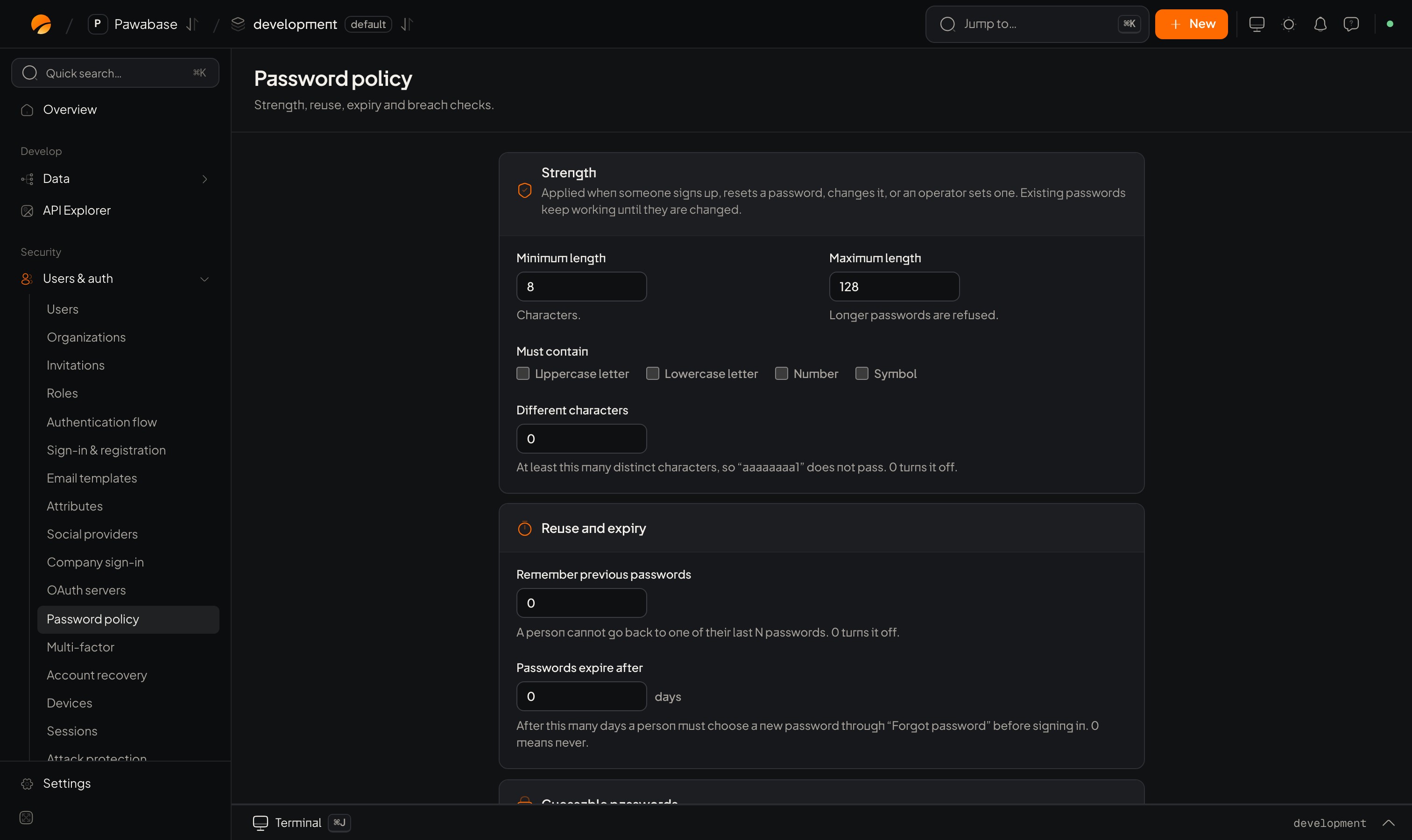
Users & auth → Password policy: Strength, then Reuse and expiry.
In Studio
Users & auth → Security → Password policy. Three cards.Strength
Reuse and expiry
Guessable passwords
What your app sees
A password that fails the policy is aValidationError on the password field, with a message that says which rule failed:
Recommended defaults
- Length over complexity. 12 or more characters beats forcing symbols. Leave Must contain off.
- Turn on the breach check. It is the single most effective rule against reused passwords.
- Don’t expire passwords unless a regulation says you must. Forced rotation makes people pick weaker passwords.
- Turn on personal-information refusal.
- Allow paste in your form so password managers work.
Expired passwords
With Passwords expire after set, a person whose password is too old can’t sign in until they reset it. Their sign-in fails with an authentication error; send them to “Forgot password” (recovery).Account recovery
Reset links.
Two-step verification
Protect accounts beyond passwords.