

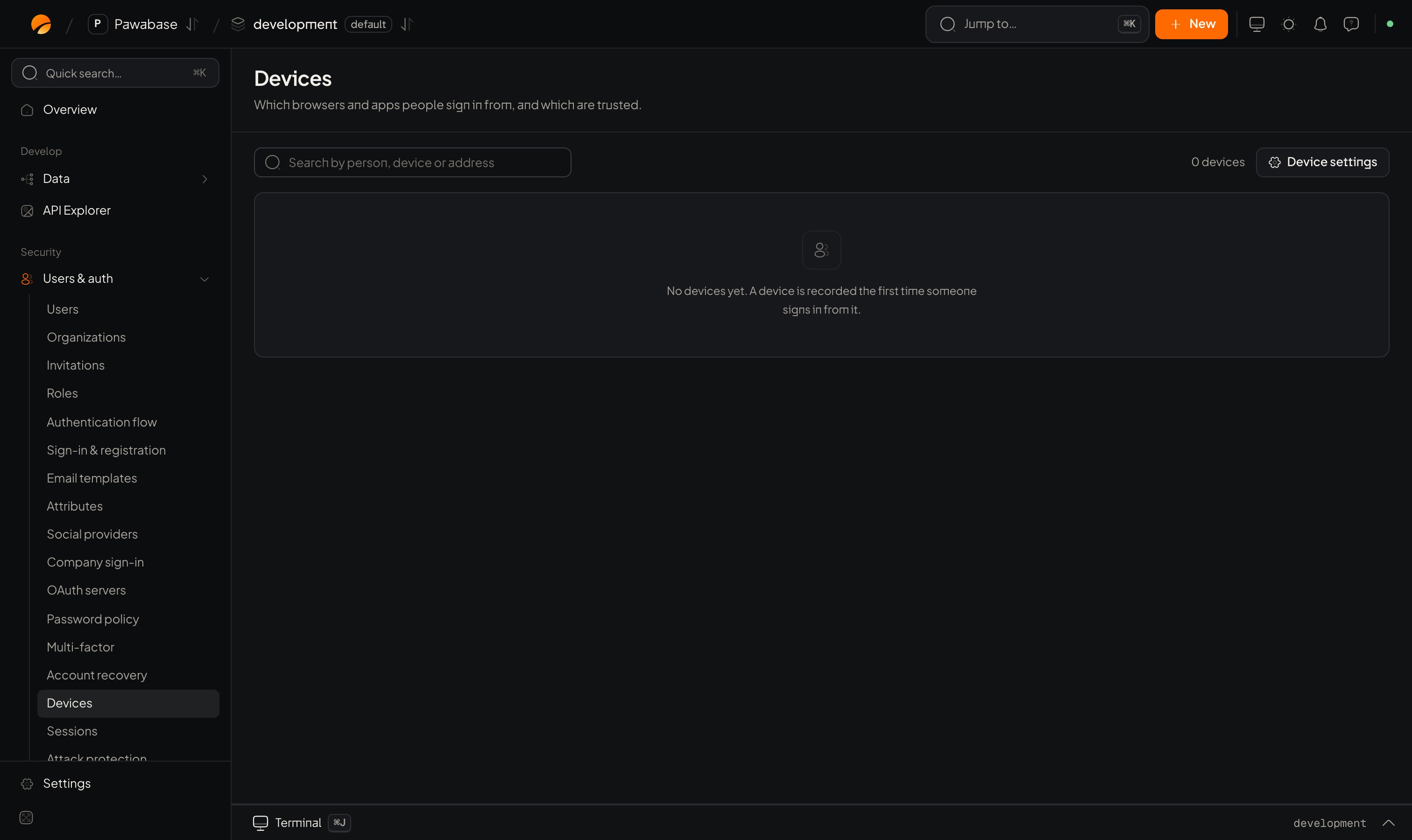
Users & auth → Devices, with Configure devices.
In Studio
Users & auth → Security → Devices. A Recent devices table lists devices people used recently, and Device configuration holds the settings.
The message people receive is New sign-in in Email templates.
In your app
Remember this device
When the person signs in with a second step, let them tick “Remember this device”:remember_device=True on sign_in_with_password and on verify_mfa.
Show and forget devices
Why it helps
- New-device emails catch account takeovers within minutes: the real owner sees “New sign-in from Chrome on Windows” and can act.
- Remembered devices make two-step verification livable: people confirm on a new device, then not again for 30 days.
- Device limits discourage account sharing.
remember_days modest (7 to 30), and require a fresh second step for sensitive actions.
Two-step verification
The second step.
Attack protection
Lockouts.