

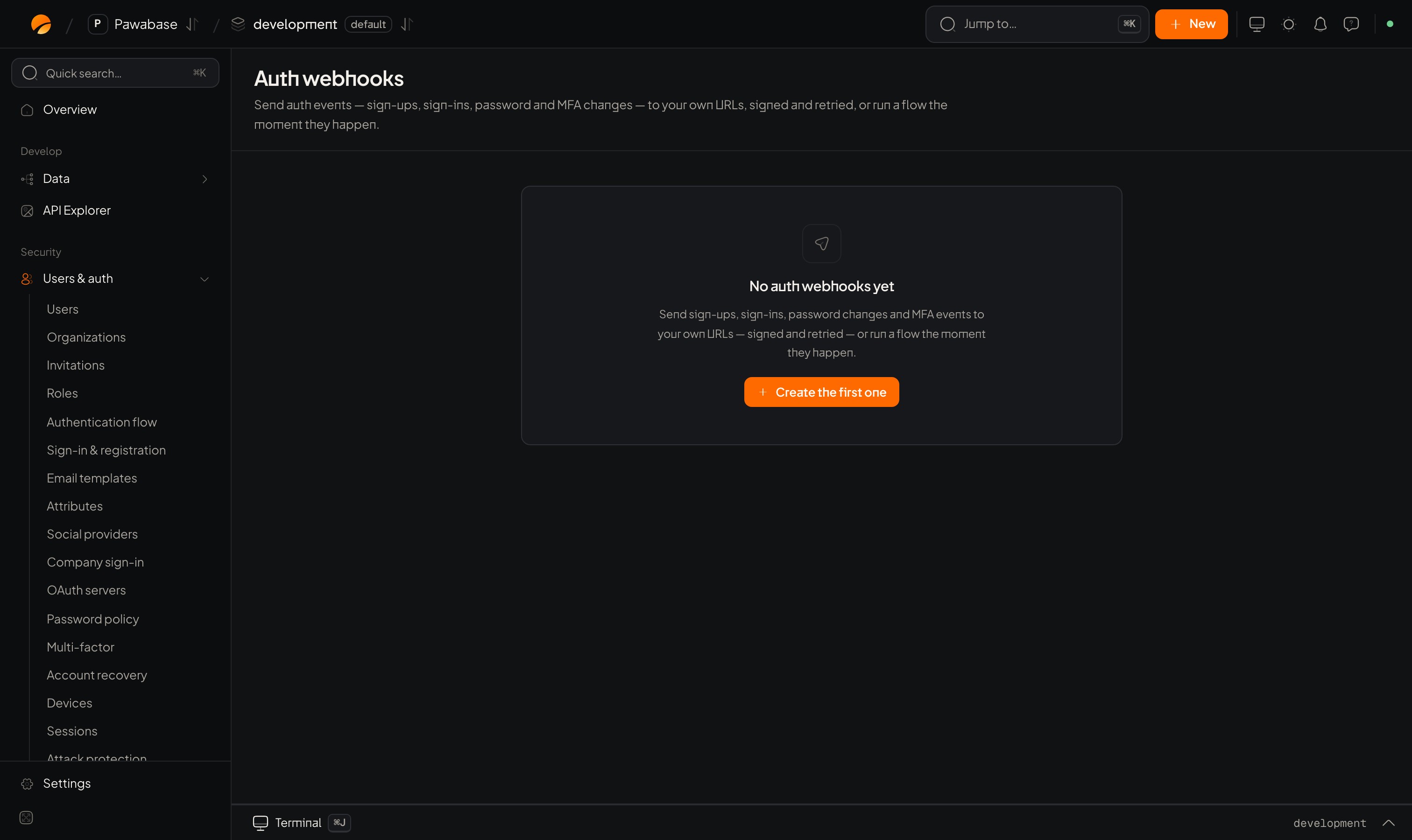
Users & auth → Auth webhooks.
In Studio
Users & auth → Developers → Auth webhooks. An empty page says No auth webhooks yet; New opens the editor. Target: choose When an event happens → URL or Flow.
Under the hood these are ordinary webhooks and event subscriptions restricted to auth events, so deliveries appear on the Webhooks → Deliveries page and retries work the same way.
The events
Examples
- Welcome email:
user.created→ flow that sends a mail template. - CRM sync:
user.created,user.updated,user.deleted→ your URL. - Security alerts:
user.mfa_disabled,user.disabled,session.reuse_detected→ Slack or email to your team. - Audit trail:
user.*andidentity.*→ append to a log table. - Billing:
organization.created→ create a customer at your payment provider.
Tips
- Deliveries are at least once. Treat the event
idas the idempotency key. - Keep handlers fast: answer
2xximmediately and work in the background. - Don’t put personal data in the logs of your receiving service.
Webhooks
Retries and redelivery.
Events
The event system.