

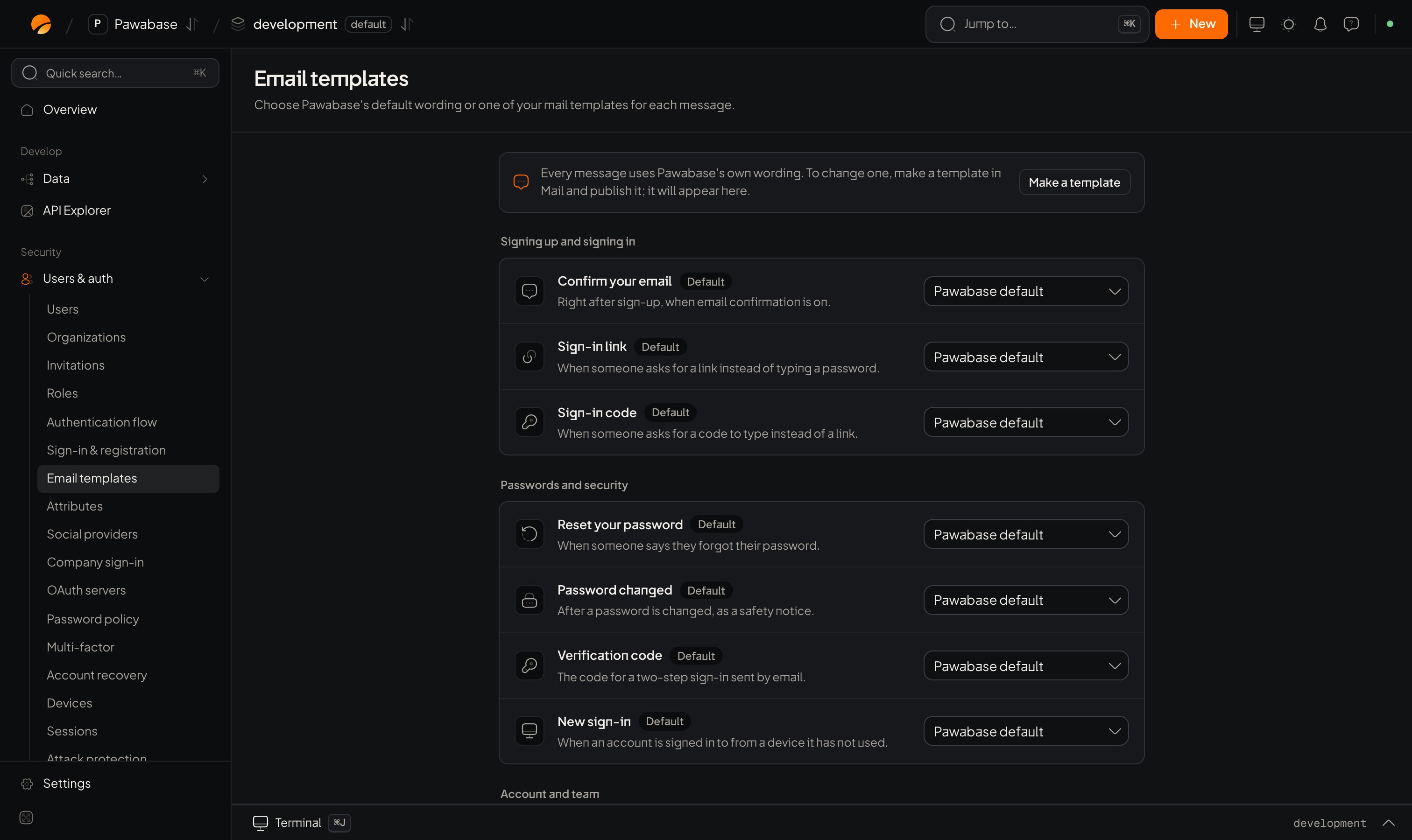
Users & auth → Email templates: nine messages, each with Default or one of your templates.
In Studio
Users & auth → Sign-in → Email templates. The Messages card lists them. Pick Pawabase’s default wording for each message, or one of your own mail templates.
For each message, choose Default or one of your templates from the Mail library. Design your own there with the visual editor, with the variables each message provides (such as the link or the code).
Writing a good message
- One clear action. A single button or code; no extras.
- Say who and why: “You asked to sign in to Acme.”
- Say what to do if it wasn’t them.
- Keep the link or code prominent, and say how long it lasts.
- Provide a plain-text version too.
- Send from a domain you control (SPF and DKIM at your provider), or messages land in spam.
Test
Trigger the real flow in a development environment (request a sign-in link to yourself), and check Mail → Activity for delivery. See Mail.The mail system.
Sign-in links
One of the messages.