

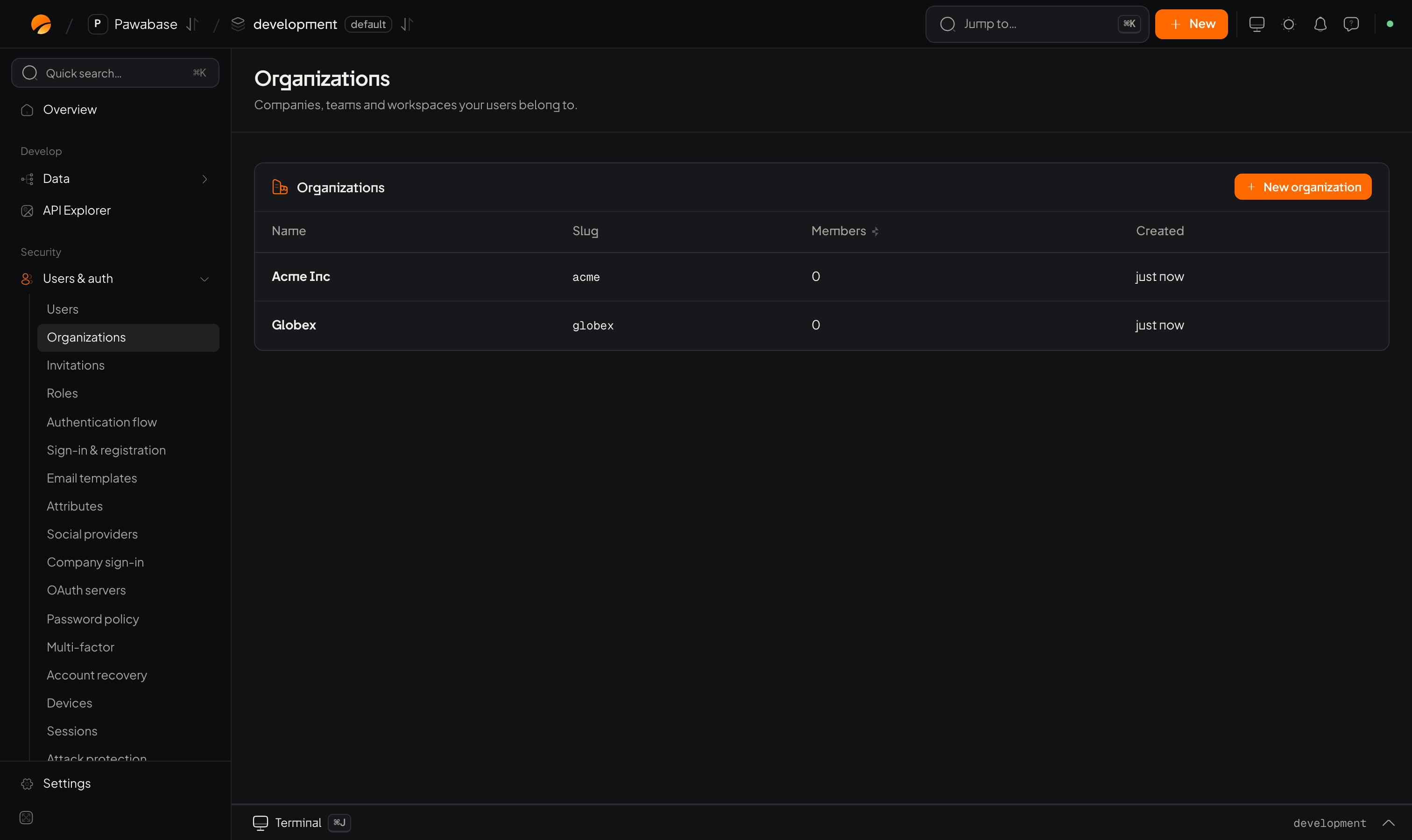
Users & auth → Organizations: New organization.
In Studio
Users & auth → People → Organizations. New organization:
Open an organization to manage:
- Members: add by Email to add with a Role, change a role, remove.
- Teams: smaller groups inside the organization.
- Delete organization: permanent.
Roles inside an organization
These are separate from global roles. Use them in rules with
$auth.org_role (recipes).
In your app
People can manage their own organizations through the client.Members
Teams
Work inside an organization
A session can be scoped to one organization. Rules can then match on it, and the token carriesorg and org_role.
orgs.list() and call switchOrg when the person picks one. After switching, the session’s org and org_role update and TOKEN_REFRESHED fires.
Keep data per organization
- Add an
orgcolumn to your tables. - Set it from the active session on create:
org: session.org. - Write a rule that compares it: auth.org.
Events
organization.created, organization.deleted and invitation.accepted are available to webhooks.
Invitations
Bring people in.
Token profiles
Organization-aware tokens for other services.