

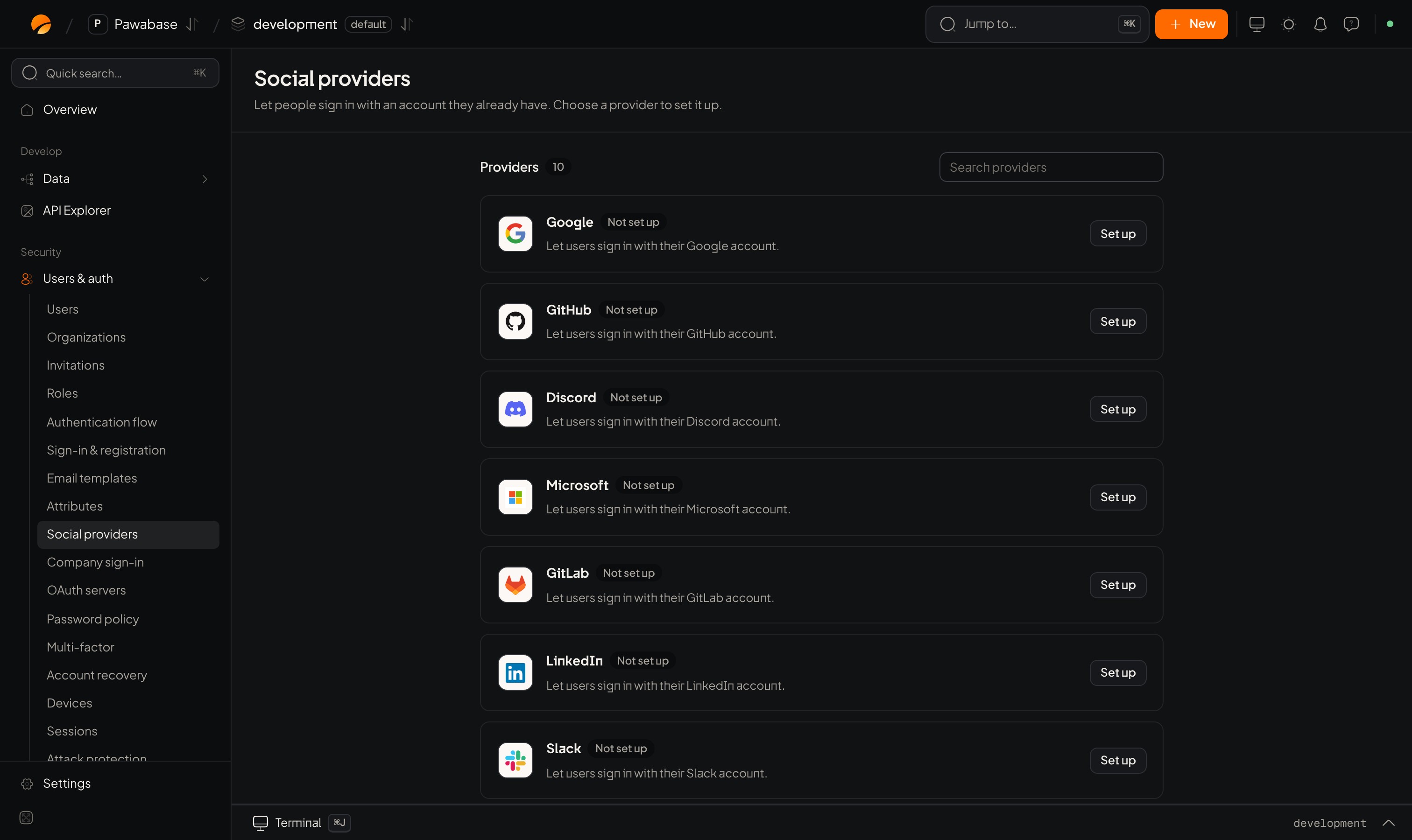
Users & auth → Social providers: ten providers, each with Set up.
Set up a provider
1
Create an app at the provider
In the provider’s developer console (Google Cloud, GitHub Developer settings, and so on), create an OAuth application. You need its Client ID and Client secret.
2
Open Studio's provider page
Users & auth → Sign-in → Social providers. Search for the provider and click it.
3
Copy the redirect address
The sheet shows a Redirect address. Paste it into the provider’s list of allowed callback URLs. This is the address the provider sends people back to.
4
Enter credentials and switch it on
Fill in Client ID and Client secret, optionally Scopes, and turn on Enable sign-in. Save.
5
Allow your app's address
Make sure the place people land afterwards is on the redirect list.
The fields
Provider extras:
- Apple: Team ID, Key ID (the key you made for Sign in with Apple) and Private key (store the
.p8file’s contents in Secrets and reference it). - GitLab: GitLab address. Leave empty for gitlab.com; enter your server’s address for a self-hosted one.
Add a button
redirectTo. On a server, signInWithOAuthUrl(provider, { redirectTo }) returns the address without redirecting.
Finish on return
In a browser, do nothing: the client reads the session from the address when your page loads, stores it, cleans the URL, and firesSIGNED_IN on onAuthStateChange.
To see the outcome yourself, for example to show an error:
code. Trade it for a session:
getSessionFromUrl(url) with the link you received.
What happens to the account
- A first-time person gets a new user; the provider appears under
user.identities. - The email the provider reports is used for the account. Whether it counts as verified depends on the provider.
- If the account has two-step verification, you get
mfa_requiredon return, like any other first step. - Sign-up restrictions (allowed and blocked email domains) apply to social sign-in too.
Your own OAuth server
Under Users & auth → Sign-in → Social providers → OAuth servers, Add OAuth server to use any standard OAuth provider: give it a name and its Authorize endpoint, Token endpoint and Userinfo endpoint, plus client credentials. Its State shows whether it is enabled. People then sign in withsignInWithOAuth("<name>").
Troubleshooting
Linked accounts
Attach more providers.
Company sign-in
SAML and OIDC for customers.