

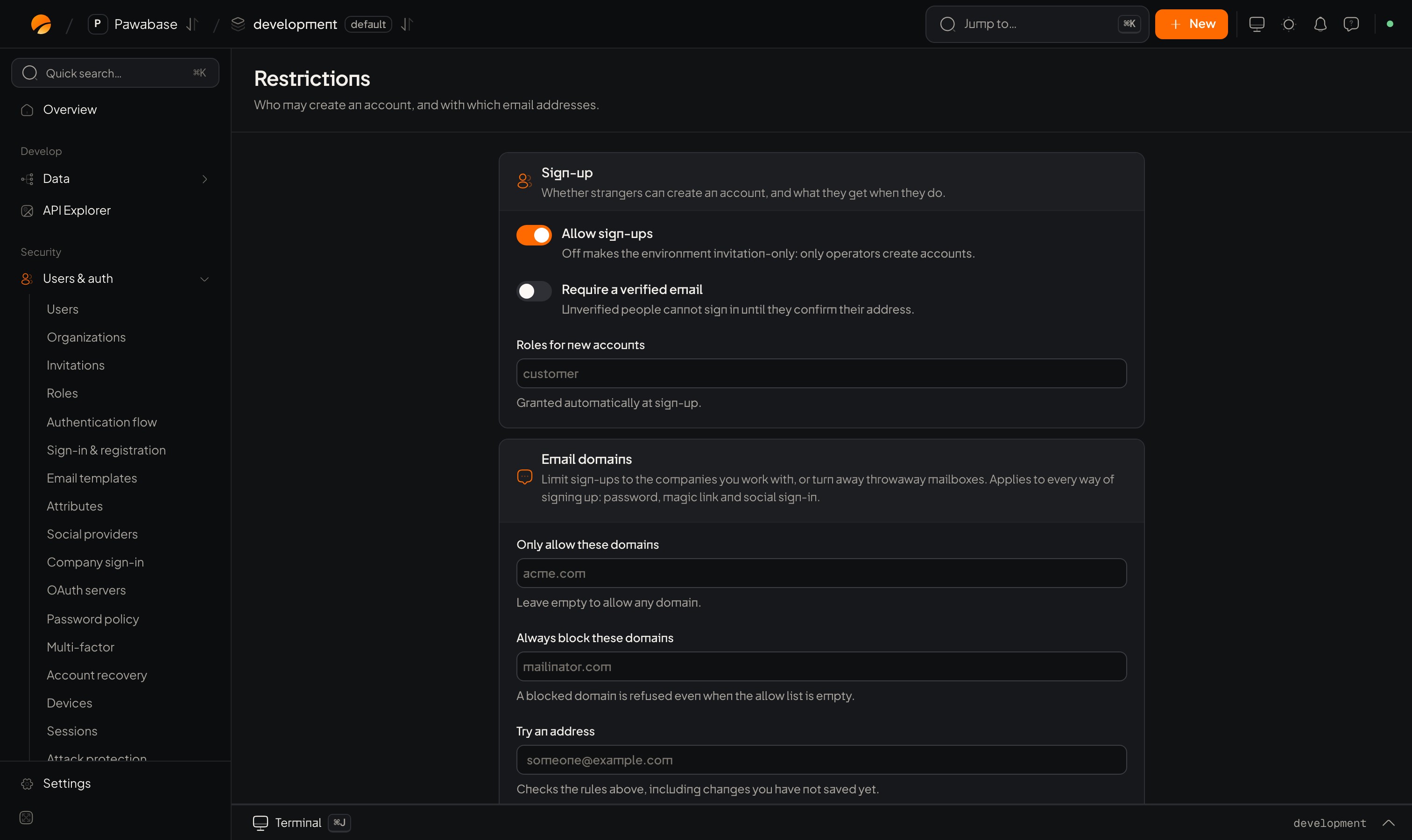
Users & auth → Restrictions: sign-up and email domains.
In Studio
Users & auth → Security → Restrictions.Sign-up
Whether strangers can create an account, and what they get when they do.Email domains
Limit sign-ups to the companies you work with, or turn away throwaway mailboxes.
Use Try an address before saving: type
someone@gmail.com and see whether it would be let in.
What your app sees
A refused sign-up throws an error you can show:(await pawabase.auth.settings()).signup_enabled to hide the “Create account” button when sign-ups are off.
Common setups
Good to know
- Allowed domains are compared to the part after
@. Subdomains are different domains. - Existing accounts keep working when you tighten a rule. To remove someone, disable or delete them in Users.
default_rolesapply at sign-up only. Change an existing person’s roles in Users .
Invitations
Bring people in when sign-ups are off.
Roles
What default roles mean.