

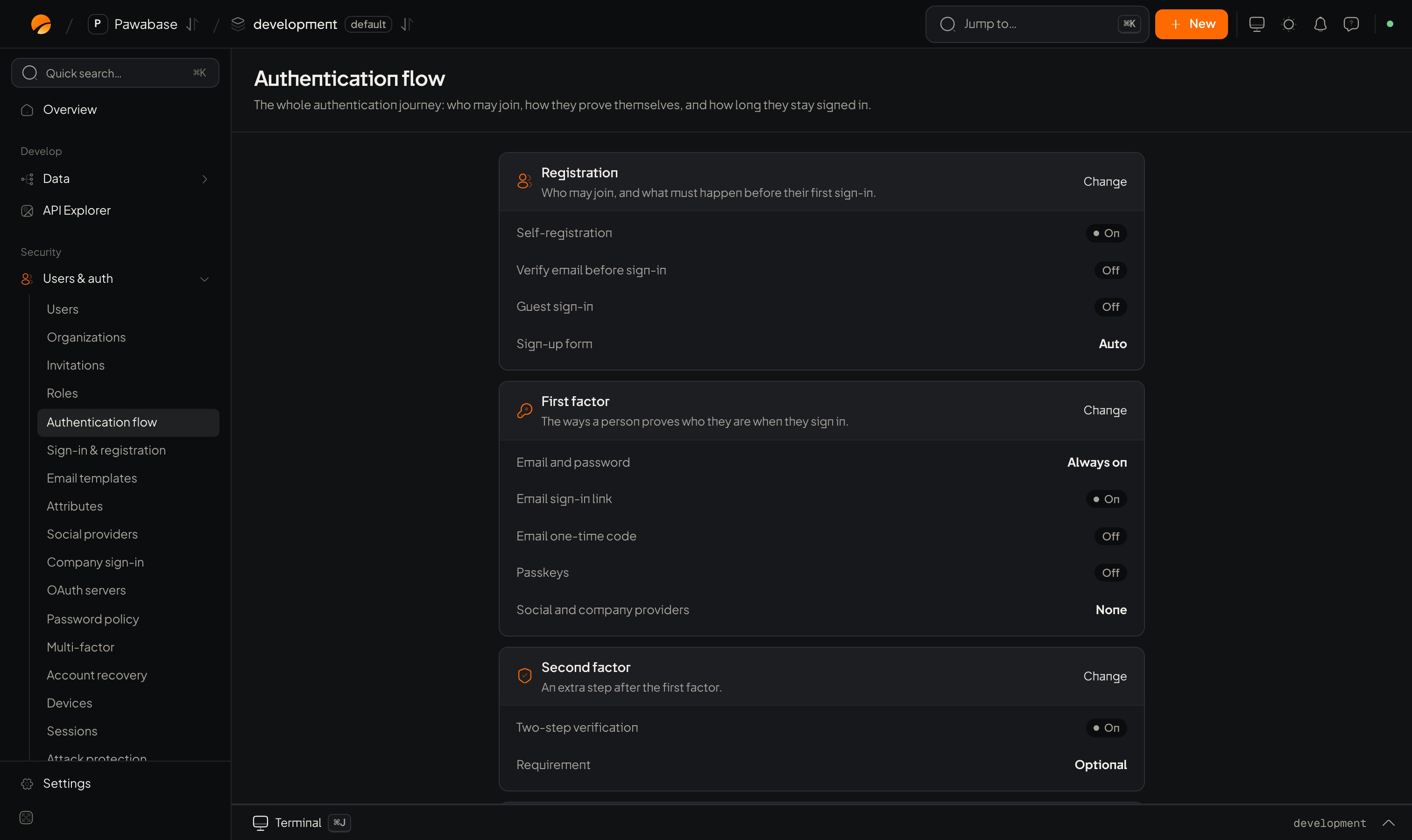
Users & auth → Authentication flow: the whole sign-in journey on one page.
In Studio
The page has five cards.Registration
Who may join, and what must happen before their first sign-in.First factor
The ways a person proves who they are when they sign in.Second factor
An extra step after the first factor. Two-step verification switches it on, and Requirement chooses who must use it. See Two-step verification.Sessions
How long people stay signed in, and how many devices may stay active. Access token lifetime, Refresh token lifetime and Sessions per user. See Sessions.Detailed controls
Shortcuts to Sign-up restrictions, Password policy and Attack protection.Design your flow
A few combinations that work well:Build your sign-in screen from the flow
Read what is on and show only those options:Email and password
The first method to set up.
Configuring Auth
All settings in one table.