

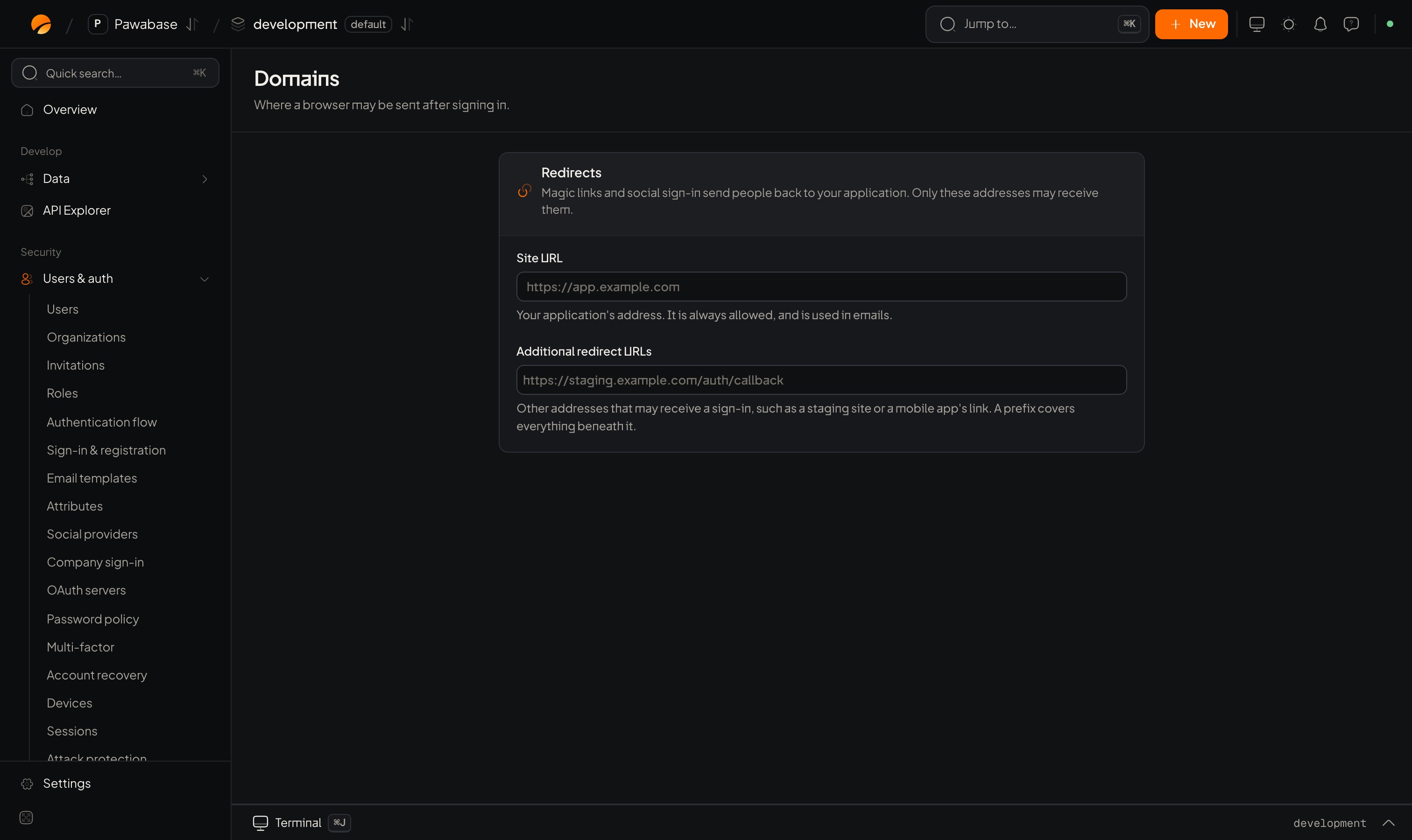
Users & auth → Domains: Site URL and Additional redirect URLs.
In Studio
Users & auth → Sign-in → Domains has a Redirects card:
Save the page after editing.
Using a redirect in your app
You pass the address asredirectTo (redirect_to in Python) on the call that sends the email or starts the sign-in:
redirectTo out, people return to the Site URL.
Rules of thumb
- List exactly the addresses you use. A prefix is convenient, but
https://myapp.comcovers every path on that site. - Keep
localhostentries indevelopmentonly. - Use HTTPS for everything except
localhost. - Mobile apps use a custom scheme (
myapp://auth/callback). Register the same scheme in the app. - Invitations use the same list: the invite’s
redirectTomust be allowed.
Troubleshooting
Email verification
Uses a redirect.
Social sign-in
Returns to a redirect.